Week 1
Sort out Collimator issue
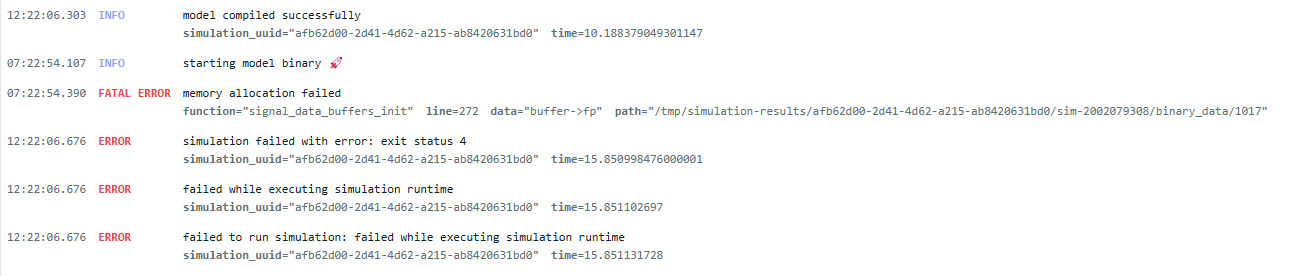
Model details pavan's account hydrotrek account error details BSM2 Shared by Vannary. Both Pavan and Hydrotrek accounts are admins. Contains Brian's changes Simulation runs and can visualize signals Simulation runs and can visualize signals BSM2 07/27 copy (deleted) Pavan's account is owner. Hydrotrek is a viewer. Simulation fails: Memory allocation error* Simulation fails: Memory allocation error* Tried reducing the simulation time. Still throws the same error. BSM2 - Copy - 2023-12-04 includes Brians changes to Vannary's original Created with Hydrotrek account. Shared with Pavan as an admin. Simulation runs and can visualize signals Simulation runs and can visualize signals * error screenshot:
Install timescale DB in ubuntu machine (done)
Video_DB table modification
- Change the video DB
Rename the
_detailstables to remove that suffix.distance_bounding_boxestable created- Create a distance_bounding_box_id and add to the id to the videos table
video_typestable createdcondition_standardtable createdall_conditionstable created: Didn't make a change.
Implement DRF and timescaleDB access for deep_vibe. (being done under
timescaleDBbranch)